Access Competitor Insights
Tip
From the dashboard, you can manage your own ads and explore competitor activity. This is the central workspace where you can see creatives that you've generated in Lapis.
1
From the Ads Dashboard, proceed to navigate to the "My Competitors" tab.
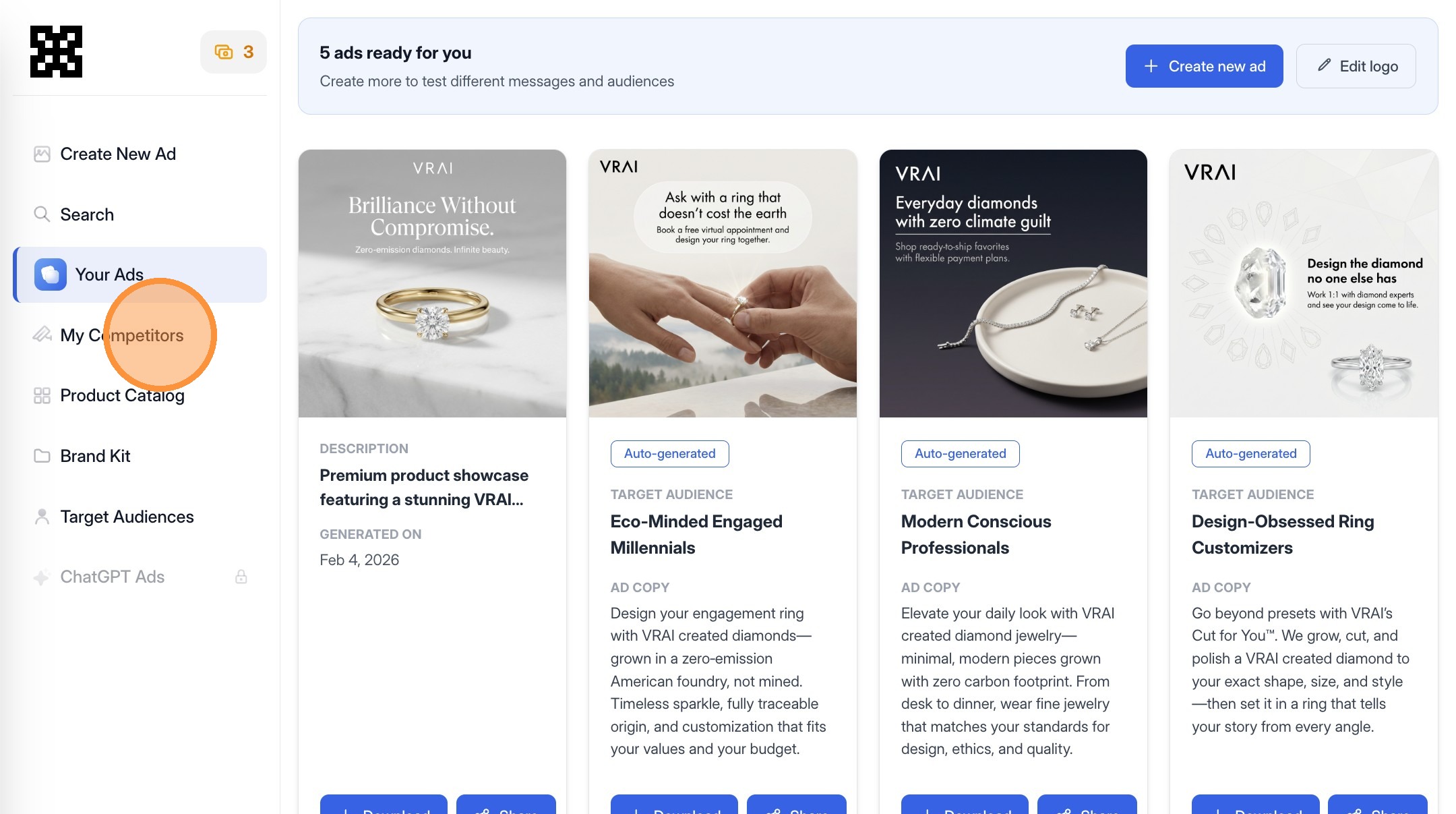
Tip
The "My Competitors" section aggregates companies that Lapis has identified as relevant competitors based on shared audiences, platforms, and ad activity. This removes the need to manually search ad libraries or guess who is competing for attention.
2
Open the My Competitors tab to view brands running ads in your category.
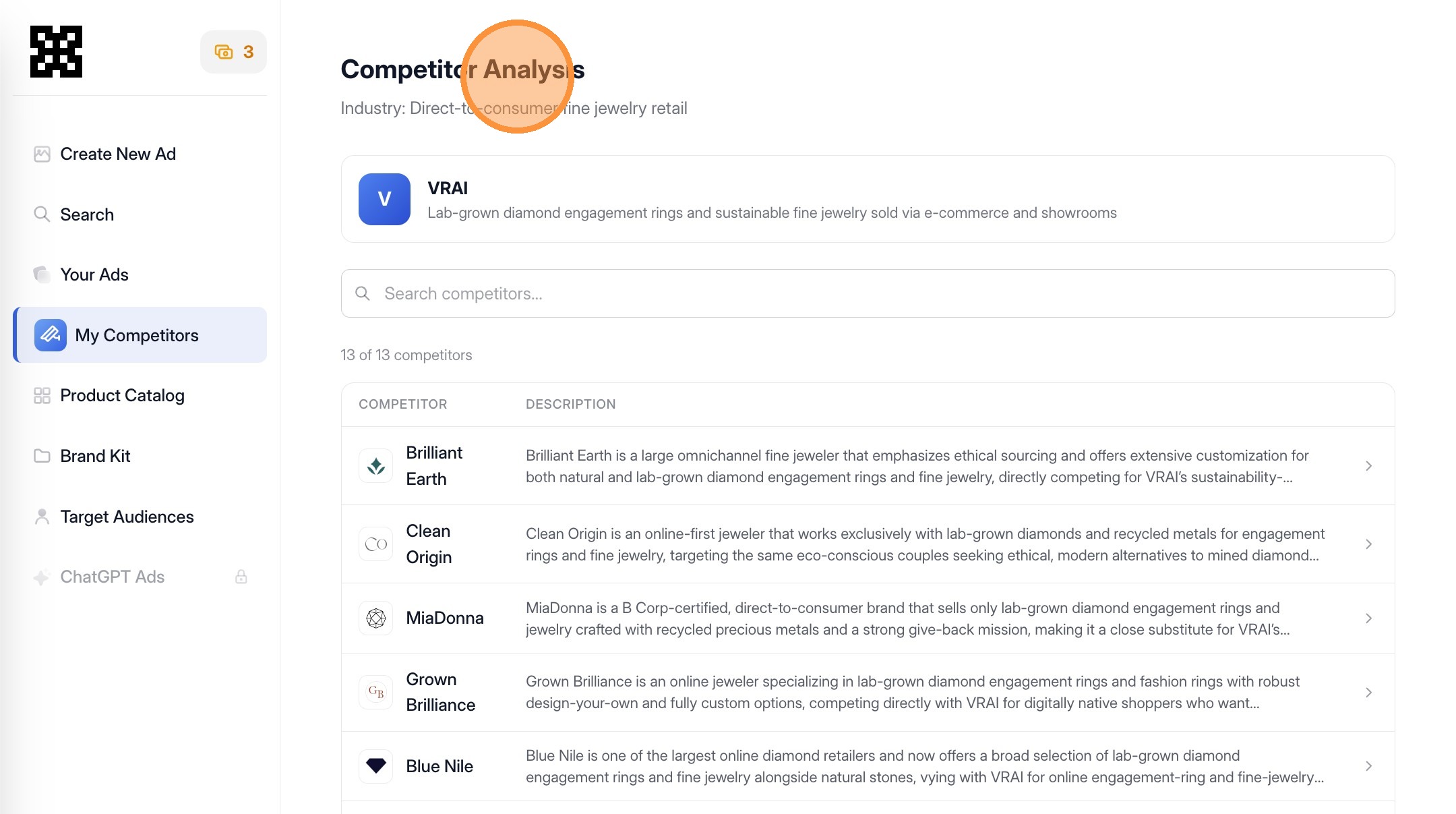
3
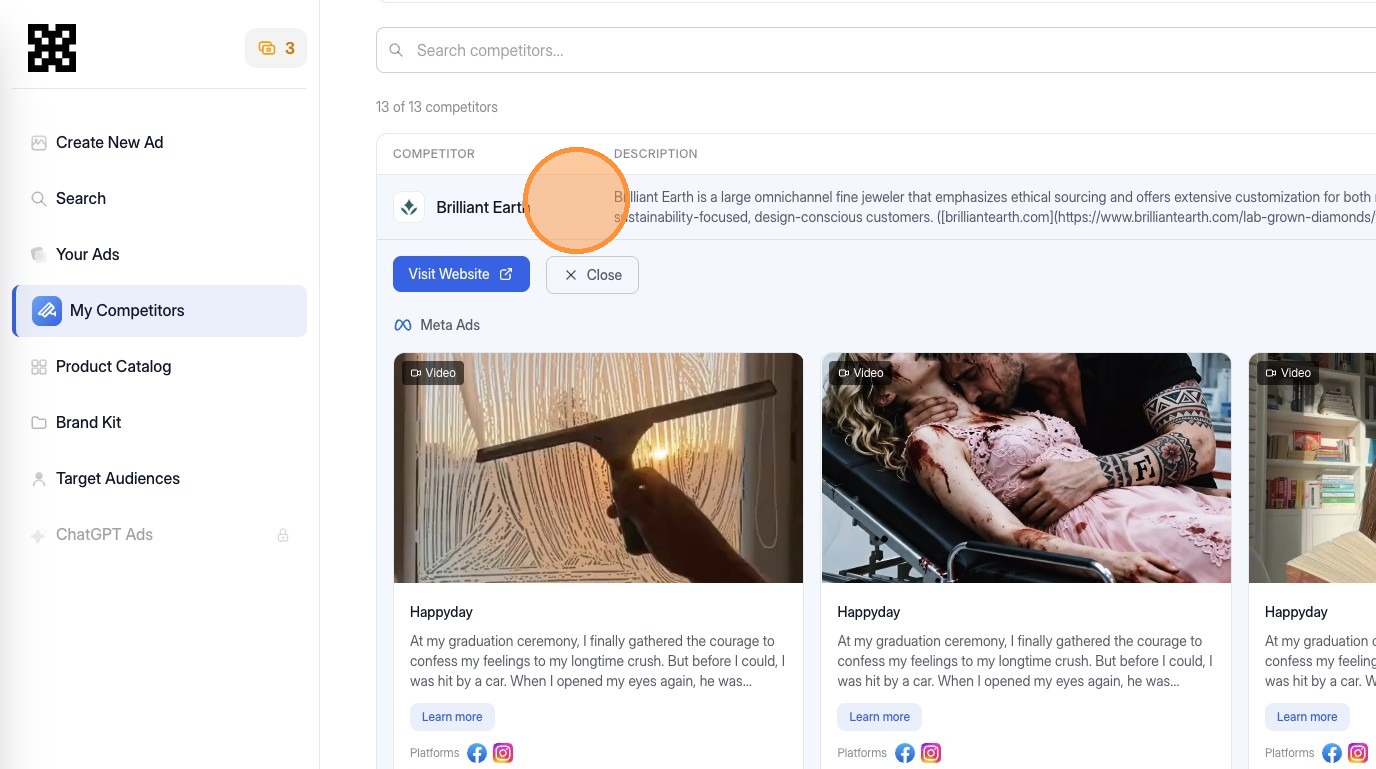
Click into any of the companies we've identified as a competitor to expand the description, see their website, and see what ads they're running on either Instagram or Facebook.
Review Competitor Activity
4
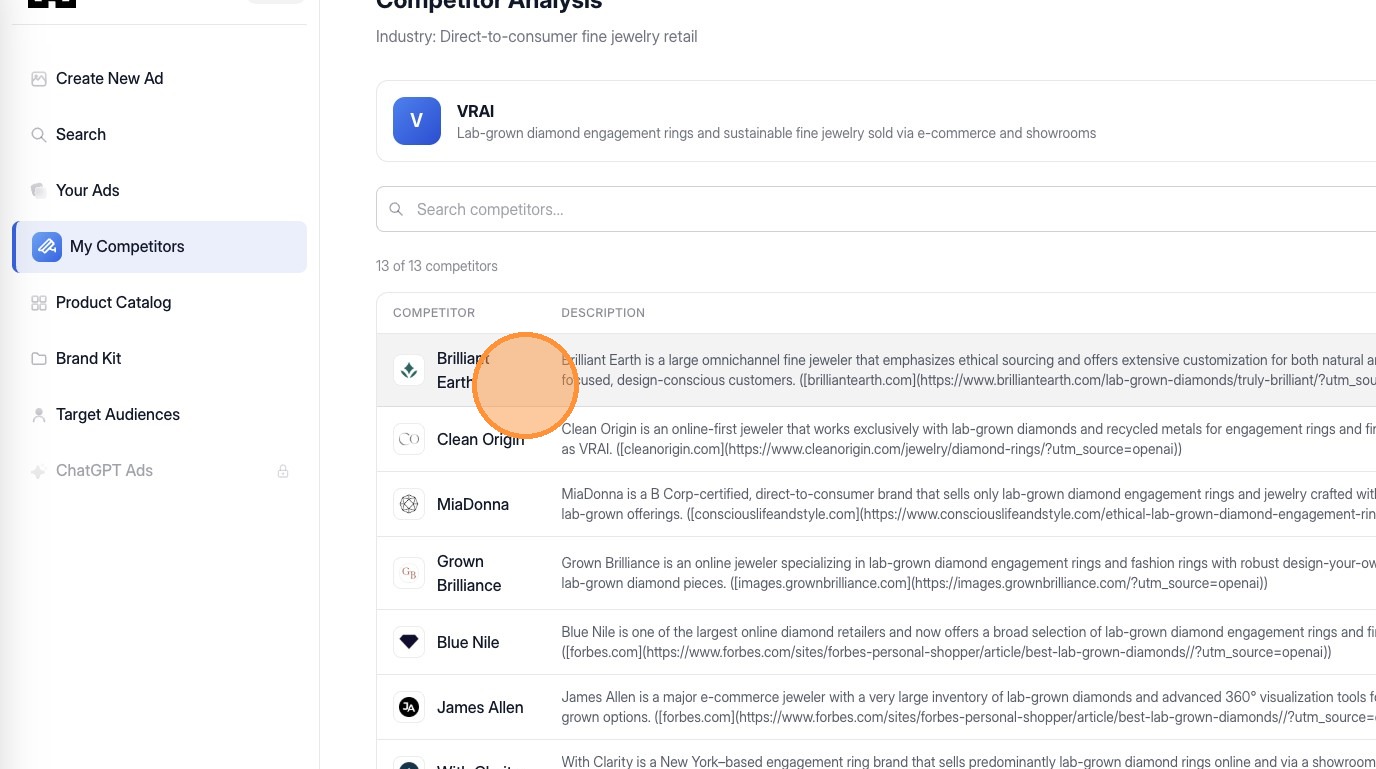
Review a list of competitors actively running ads on social platforms.
Tip
See high-level information about the competitor and their ad presence. At the top of the competitor view, you'll typically see identifying information such as the brand name or domain. This helps confirm you're analyzing the correct company which is important in crowded categories with similar names.
Analyze Ad Creatives
5
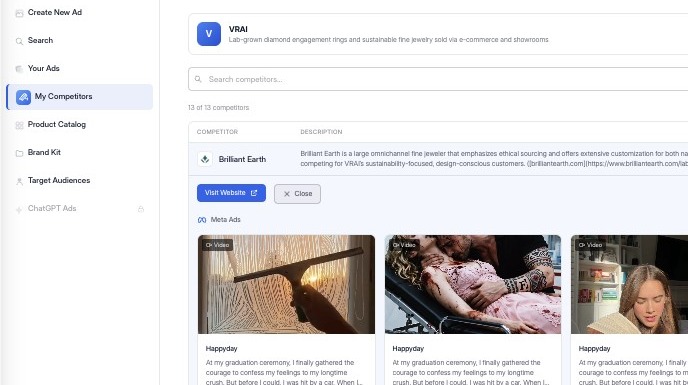
Clicking into a competitor expands their profile and reveals the ads they're running.
Tip
This section displays visual previews of competitor ads. These images are pulled directly from live placements, showing you exactly what audiences are seeing in-feed.
This is where image analysis becomes critical:
- Are ads text-heavy or image-led?
- Are they product-focused or lifestyle-driven?
- Do visuals emphasize urgency, trust, or simplicity?
6
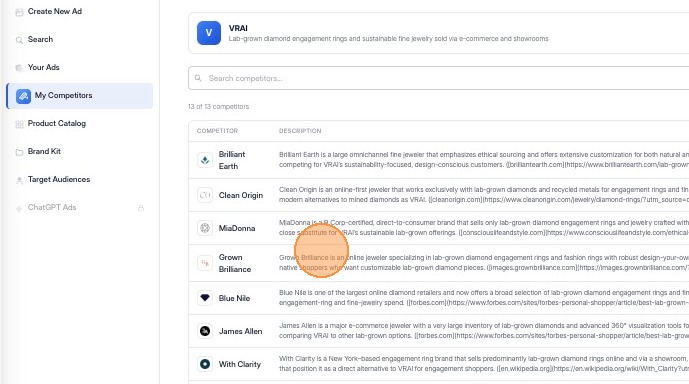
Close the ad to return to the competitor's full ad list.
Tip
After reviewing a specific creative, closing the view returns you to the competitor's broader ad set. This allows you to compare multiple ads side by side and identify patterns.