Canva is great for design.
Lapis is built for ads.

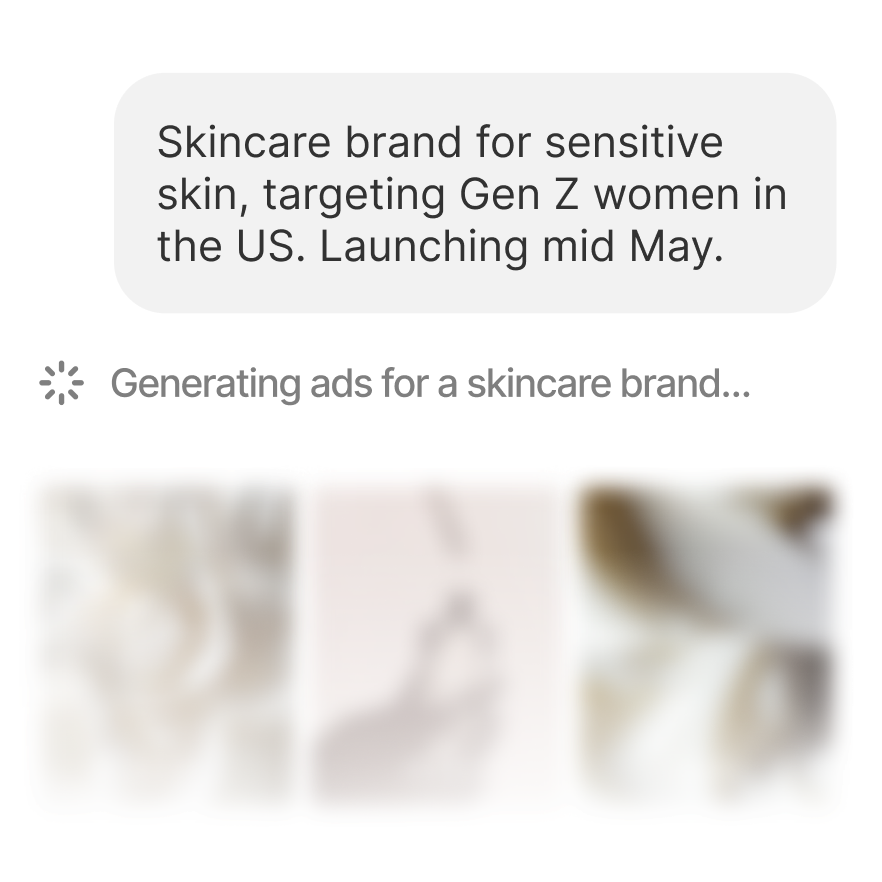
Canva helps you design anything. Lapis generates high-converting ad campaigns from a text description, optimized for every platform.

Create your first ad
Canva

General design tool

Canva is a general-purpose design tool. Presentations, social posts, logos, flyers, resumes. You drag, drop, and customize templates to create visual content for any purpose.

  • Drag-and-drop visual editor
  • Thousands of templates
  • Good for non-ad design work
Lapis

Generate ads that convert

Lapis is purpose-built for ad campaigns. Describe what you're promoting, and AI generates complete, on-brand ad creatives optimized for Meta, Google, LinkedIn, and more.

  • AI generates ads from text prompts
  • Auto-sized for every ad platform
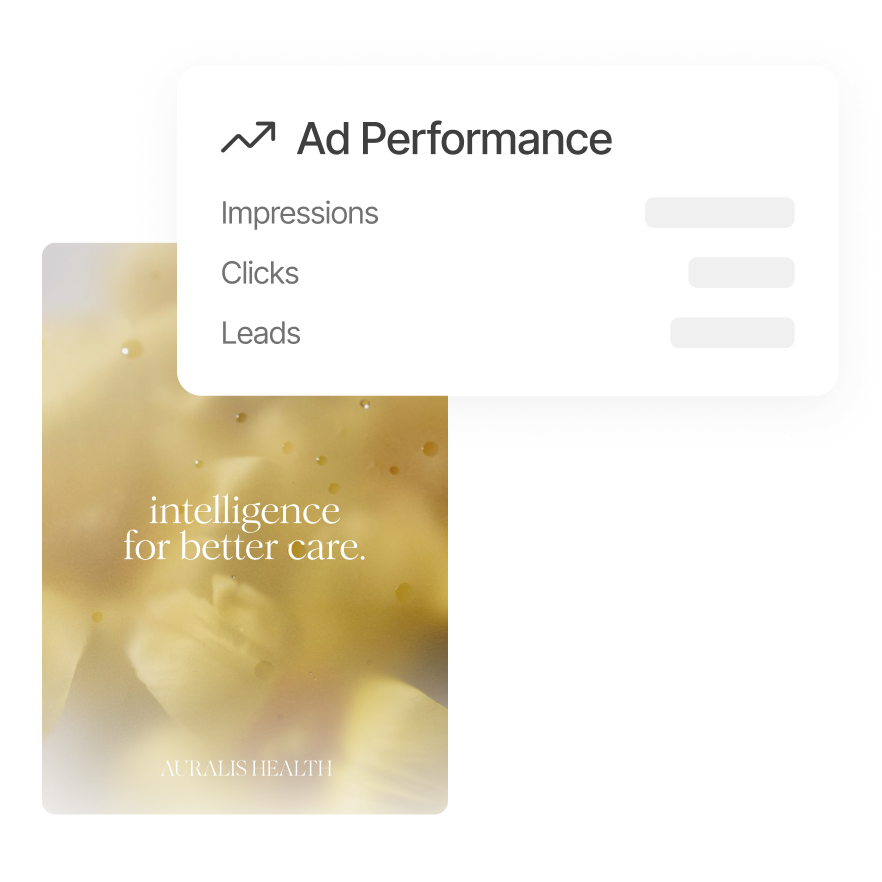
  • Performance forecasts before you spend
Trusted by thousands of marketing teams including

Bata
Hyundai
Dominos
Samsung
LIC
Shriram
Hud
Koncert
Friends Taxi
Axalin
CSC
GST Suvidha Kendra
KSFE
Berger
Tata Solar

What Canva can't do for your ads

Lapis isn't a design tool. It's an ad engine. Here's what that means.

Generate, don't design

In Canva, you start with a blank template. In Lapis, you describe your campaign and AI creates complete ad creatives automatically.

Try AI generation
A
Acme Inc
Brand detected
Colors
StyleModern, minimal

Built-in audience targeting

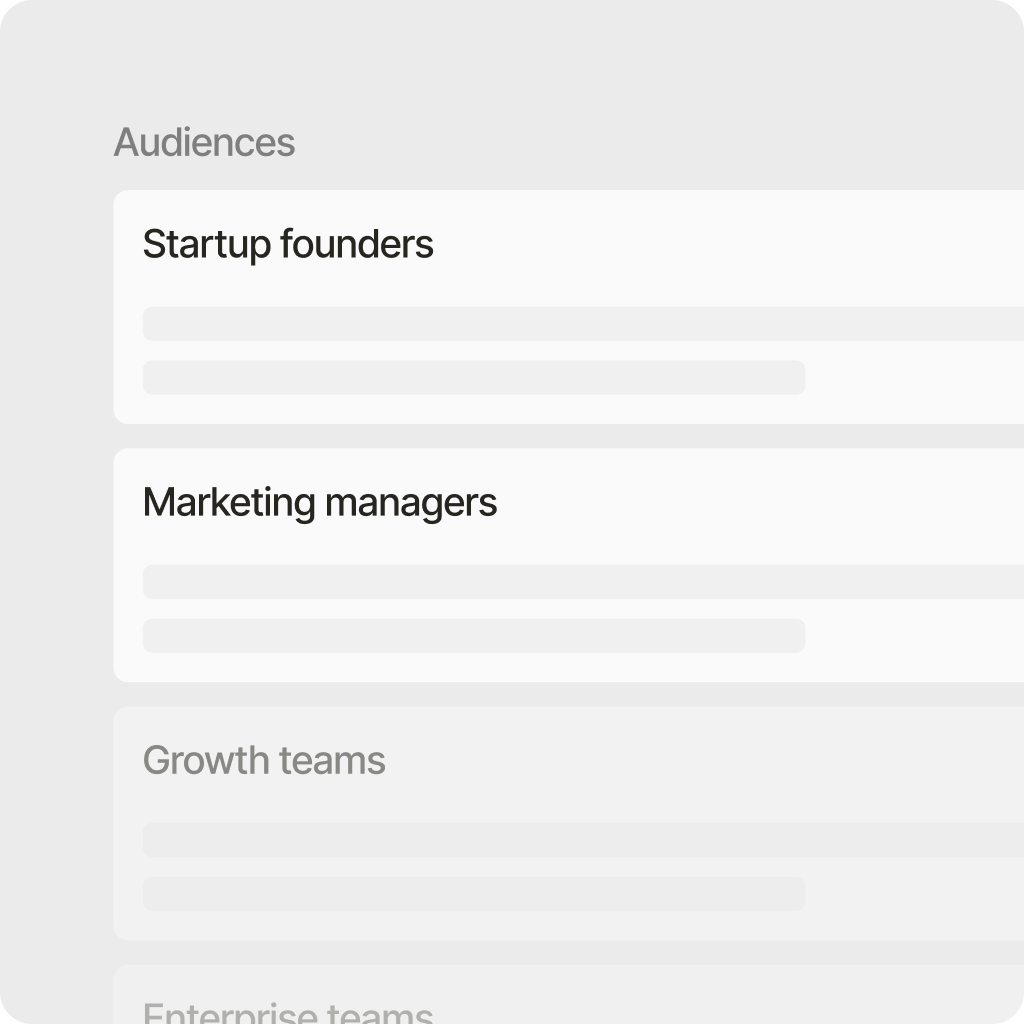
Canva designs for everyone. Lapis generates ads tailored to your specific customer personas with messaging that resonates.

Create audiences
Audiences
S
Startup founders
M
Marketing managers
G
Growth teams

Auto-sized, not manually resized

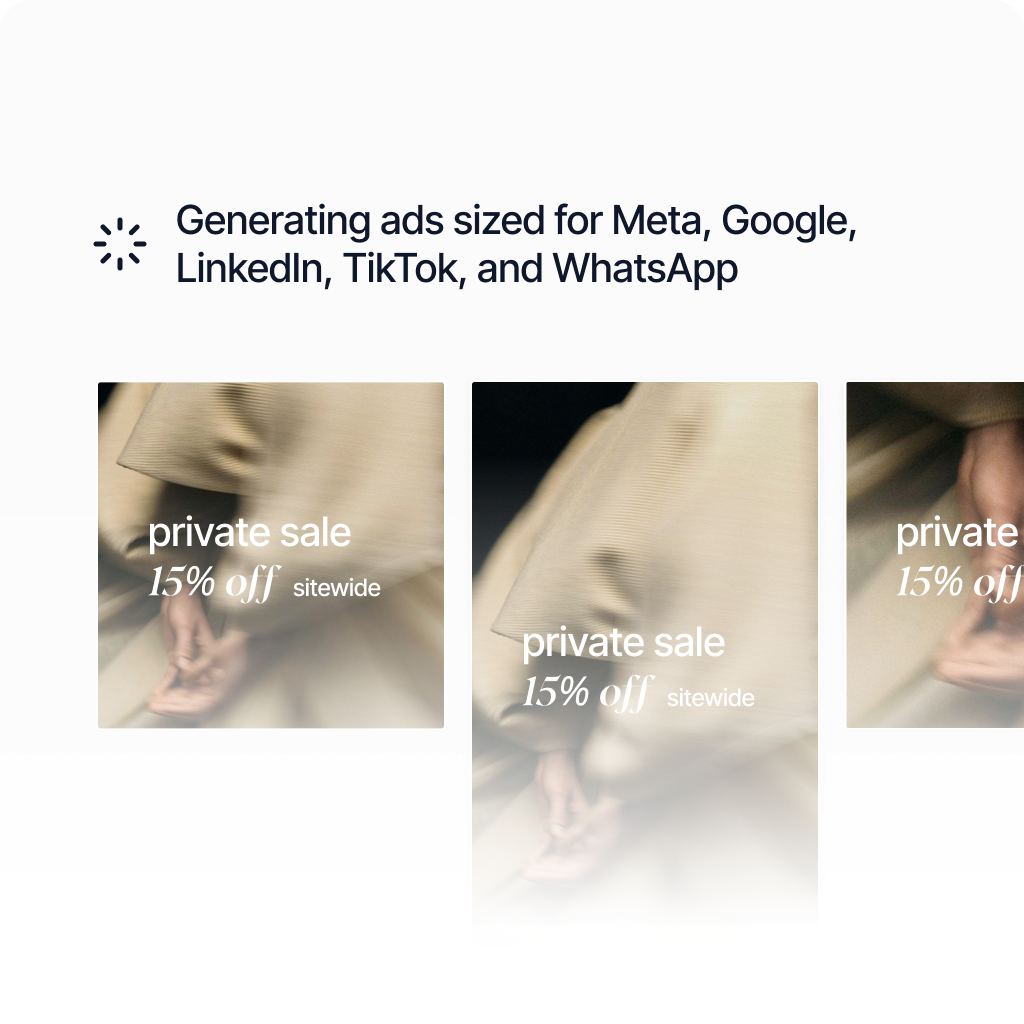
In Canva, you duplicate and resize for each platform. Lapis generates ads already formatted for Meta, Google, TikTok, and LinkedIn.

See all platforms
Meta
1:1
Google
16:9
TikTok
9:16
LinkedIn
1.91:1

Performance forecasts

Canva can't tell you if your ad will work. Lapis forecasts impressions, clicks, and leads before you spend a rupee.

See forecasting
Forecast
Impressions12,400-18,600
Clicks310-520
Leads24-41

Endless variations in one click

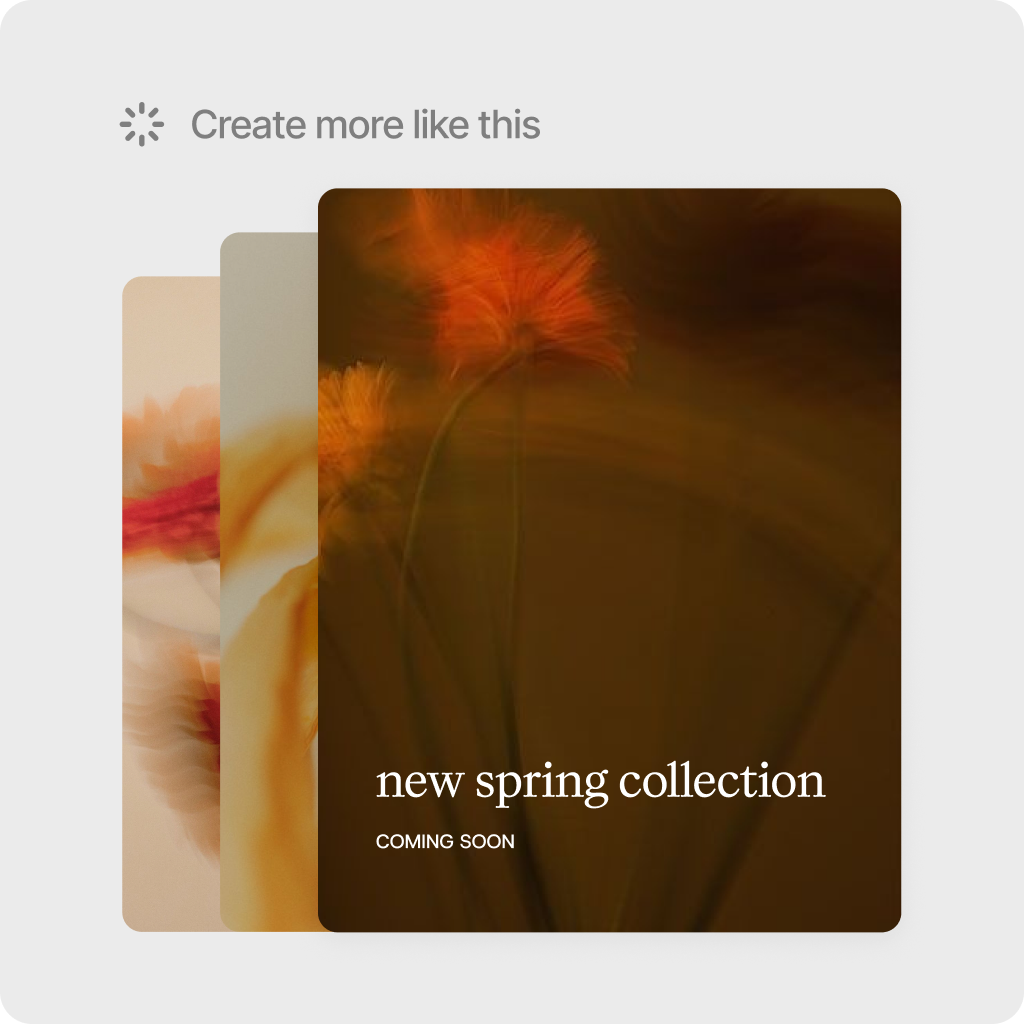
In Canva, every variant is manual work. In Lapis, click "Create more like this" to instantly generate dozens of options.

Try variant generation
Variants
MetaGoogleTikTok
SALE
SALE
SALE
SALE
Create more like this

Ads in any language

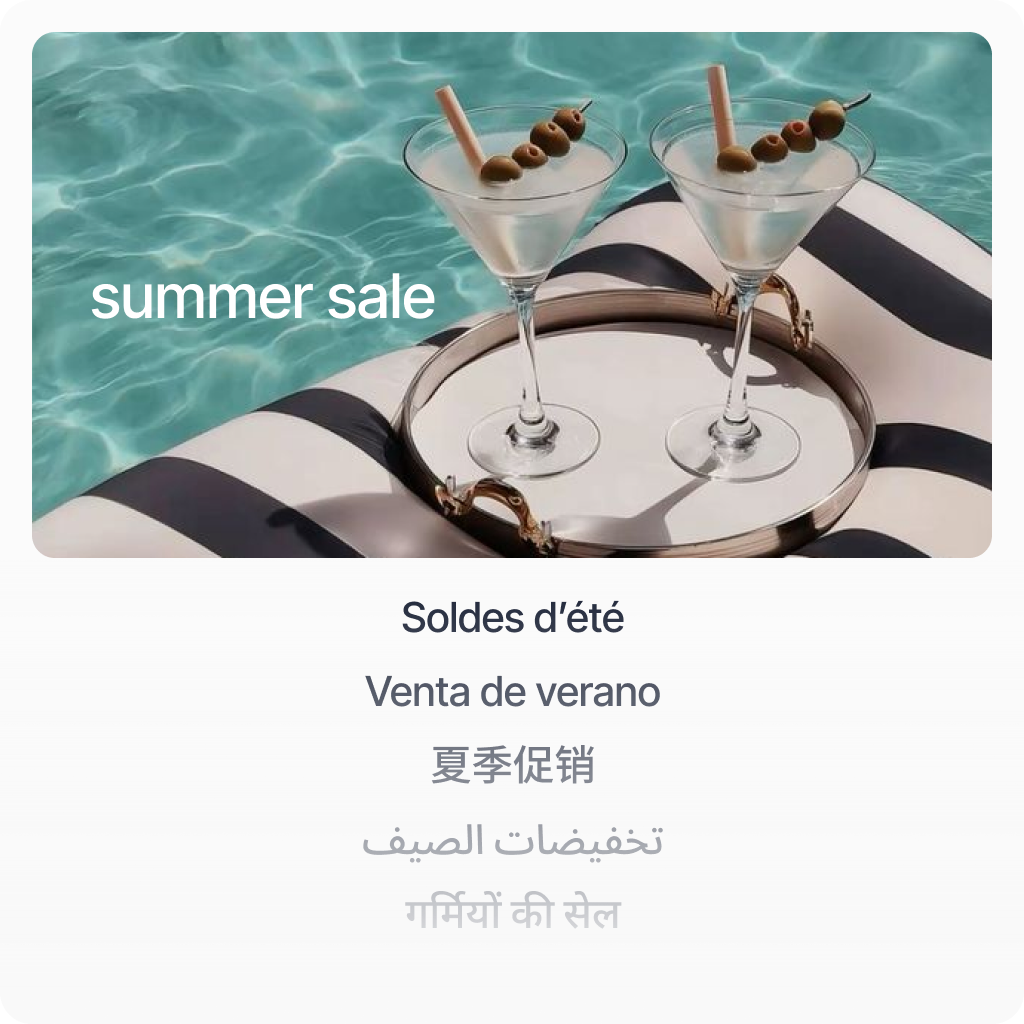
Canva doesn't translate your ads. Lapis generates the same campaign in English, Hindi, and 15+ languages automatically.

Explore languages
Same Ad, Any Language
EN
English
Summer Sale
HI
Hindi
गर्मियों का त्योहार
TA
Tamil
கோடை கொண்டாட்டம்
ES
Spanish
Ofertas de Verano

Feature comparison

Canva is a design tool. Lapis is built specifically for ads. The features reflect that.

LapisCanva
AI ad generation from text
Brand-consistent output
Multi-platform auto-sizing
Performance forecasting
Competitor ad tracking
Product catalog import
One-click ad export
Ad copy generation
Campaign-level generation
Drag-and-drop editor
General design templates
Video editing
Presentation design
Multi-language ad generation
Generating an ad with Canva

5 steps

1

Search for an ad template that fits your goal

2

Customize colors, fonts, images, and copy manually

3

Duplicate and resize for each platform

4

Export each size as a separate file

5

Upload to each ad manager individually

Generating an ad with Lapis

3 steps

1

Describe your campaign goal and mention your product

2

Review AI-generated ads, already sized for every platform

3

Export to ad managers with one click

Why teams switch to Lapis

01

Describe it. Don’t design it.

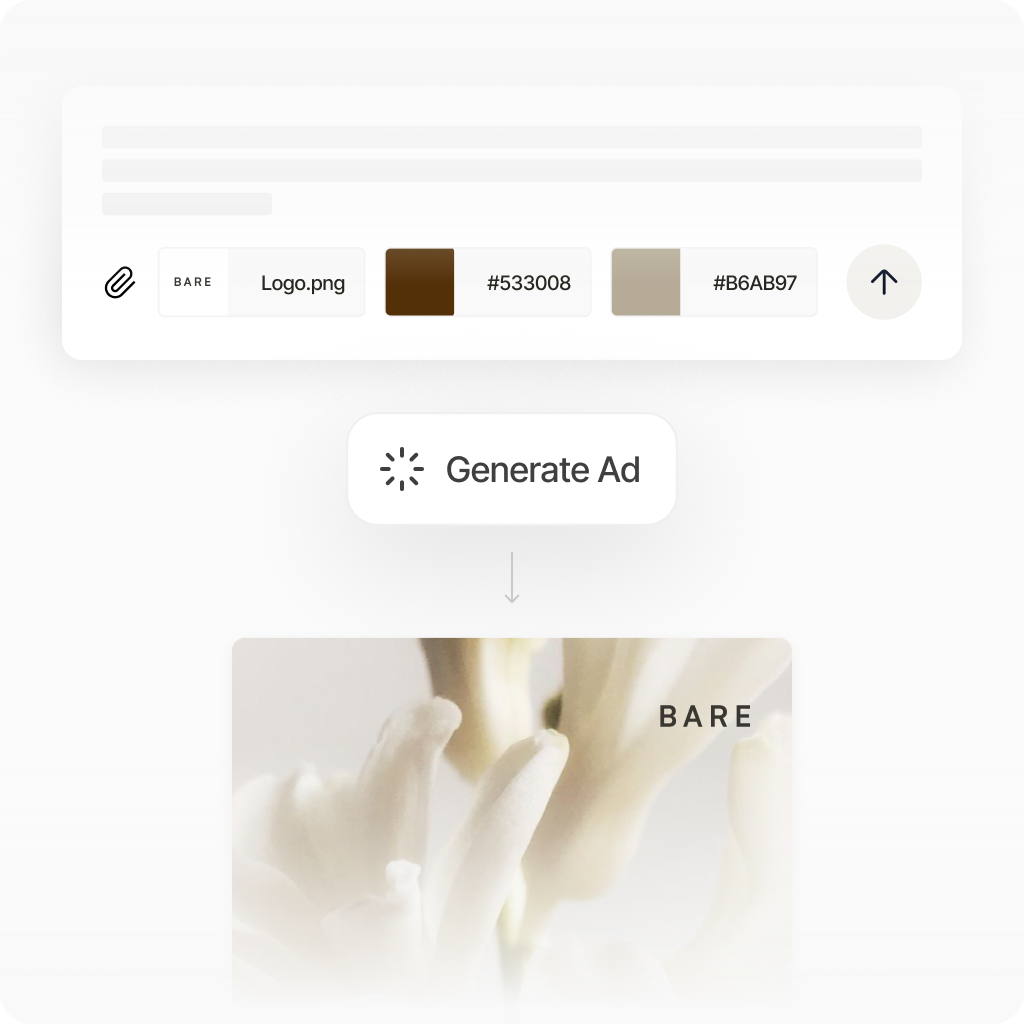
Skip the blank canvas. Tell Lapis what you’re promoting in plain text, and AI generates complete ad creatives with layout, copy, and imagery. No drag-and-drop required.

02

Every platform. Every size. Automatically.

In Canva, you resize manually for each platform. Lapis generates ads already optimized for Meta, Google, LinkedIn, TikTok, and WhatsApp. One prompt, every format.

03

Know what works before you spend.

Canva can’t tell you if your ad will perform. Lapis forecasts impressions, clicks, and leads before you launch. Make data-driven decisions, not guesses.

Honest take

Choose Canva if you need to…

  • Design presentations, resumes, or flyers
  • Create logos or brand kits from scratch
  • Edit videos or build custom graphics from scratch
  • Work with a drag-and-drop editor you already know

Choose Lapis if you need to…

  • Generate ad campaigns quickly from a text description
  • Create platform-optimized ads without manual resizing
  • Forecast ad performance before spending your budget
  • Track competitor ads and find winning creative angles
Get started with Lapis

Frequently asked questions

Stop designing ads.
Start generating them.

Create your first AI-generated ad campaign in minutes.

Create your first ad