Glorify helps you design. Lapis generates your ads.
Glorify is an e-commerce design tool for product images and mockups. Lapis generates complete, platform-optimized ad campaigns from a text description.
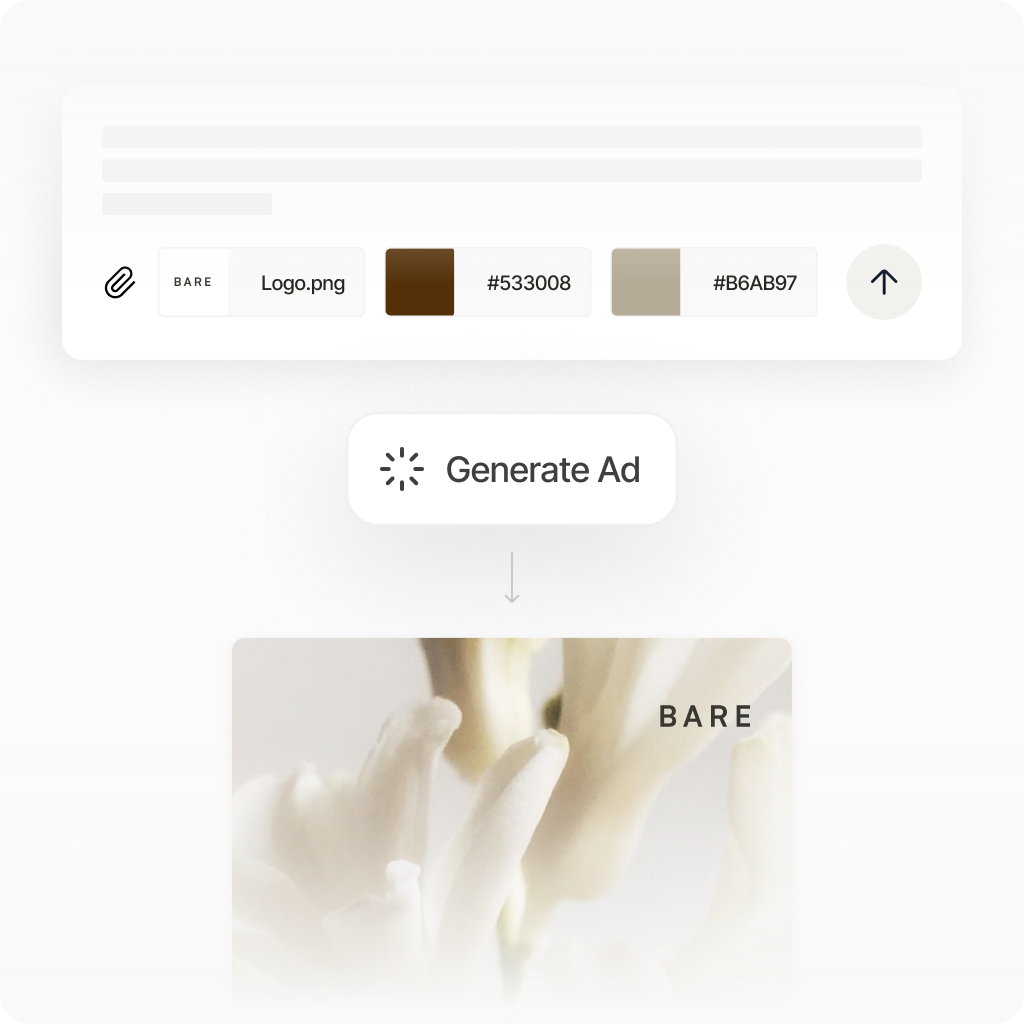
Lapis generates complete ad creatives from a text description. AI handles layout, copy, imagery, and platform sizing. No design decisions required.
Describe your campaign and get ready-to-run ads in minutes
AI absorbs your brand identity automatically from your website
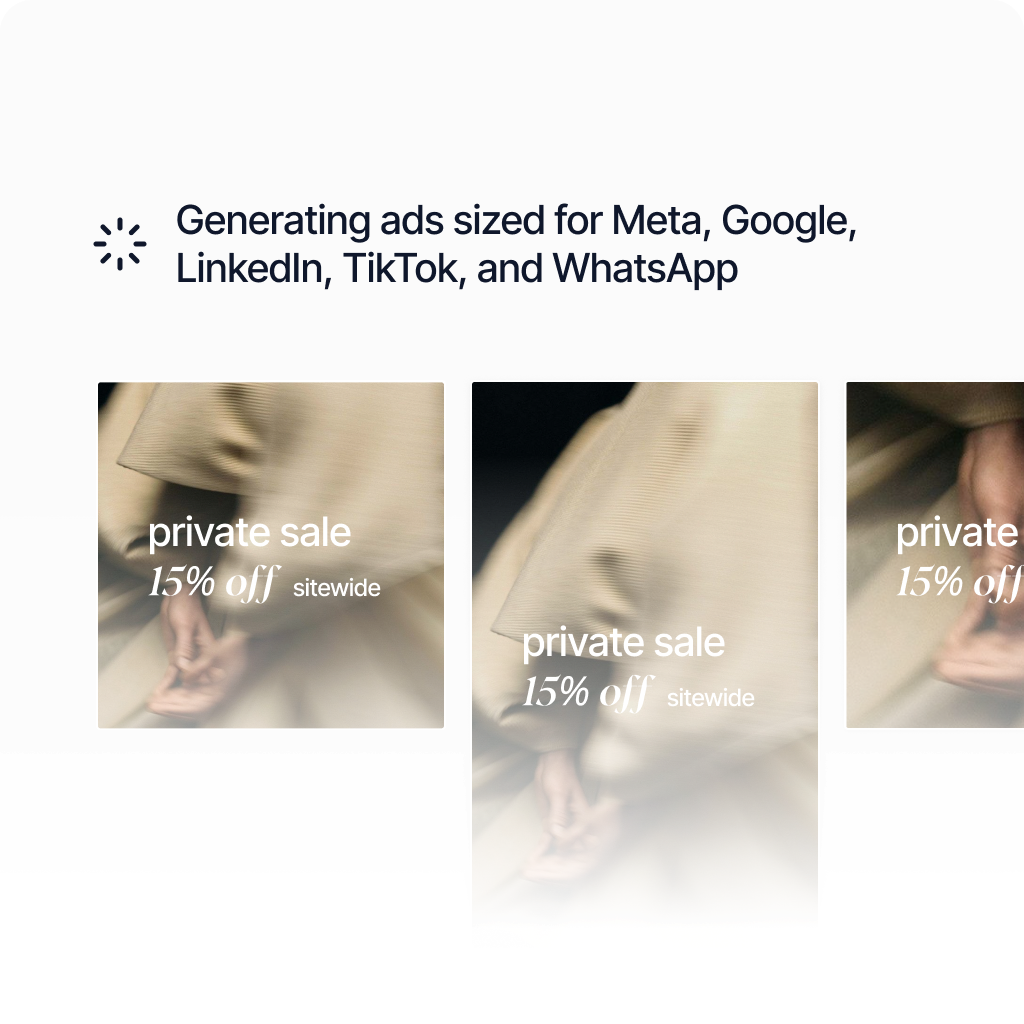
Every ad is pre-sized for Meta, Google, Reddit, and LinkedIn
How Glorify works
Design it yourself
Glorify gives you templates, a drag-and-drop editor, and mockup tools. You make the design decisions: choosing layouts, adjusting elements, resizing for each platform.
Choose from 14,000+ templates and customize manually
Remove backgrounds and place products into mockup scenes
Resize designs one platform at a time with Smart Resize
Trusted by Marketing Teams at
What Glorify can't do for your ads
Glorify is a design tool. Lapis is an ad engine. Here's what that means.
Generate ads from a text prompt
Glorify requires you to start from a template and customize manually. Lapis generates complete ad creatives (layout, copy, and imagery) from a plain-text description.
Glorify has no competitor intelligence. Lapis indexes 10,000+ ads from Meta and Google, scores them with AI, and helps you find winning creative angles.
Glorify's Smart Resize works for general formats. Lapis generates ads already optimized for each ad platform's specific requirements, all from a single prompt.
Not included: Product catalog import (Shopify, Amazon)
Included: One-click export to ad managers
Not included: One-click export to ad managers
Included: Post-generation editing
Included: Post-generation editing
Included: Ad copy generation (AI)
Included: Ad copy generation (AI)
Not included: Drag-and-drop design editor
Included: Drag-and-drop design editor
Not included: 14,000+ design templates
Included: 14,000+ design templates
Not included: AI background removal
Included: AI background removal
Not included: 3D product mockups
Included: 3D product mockups
Not included: Logo maker
Included: Logo maker
Not included: Infinite canvas workspace
Included: Infinite canvas workspace
Generating an ad with Lapis
3 steps
01Describe your campaign and mention your product
02Review AI-generated ads, already sized for every platform
03Export to ad managers with one click
Creating an ad with Glorify
6 steps
01Open editor and find a template that fits your product
02Upload product photos and remove backgrounds
03Customize layout, colors, fonts, and copy manually
04Place product into a mockup scene
05Resize design for each ad platform separately
06Export files and upload to ad managers one at a time
Why teams switch to Lapis
01
Generate ads. Don’t design them.
Glorify gives you a canvas and tools. Lapis gives you finished ads. Describe what you’re promoting, and AI handles layout, copy, imagery, and brand consistency. No templates, no manual adjustments.
02
Your brand, learned automatically.
Glorify asks you to build a brand kit manually. Lapis crawls your website and learns your full visual identity: colors, fonts, spacing, personality. Every ad looks like your in-house team made it.
03
Know what works before you spend.
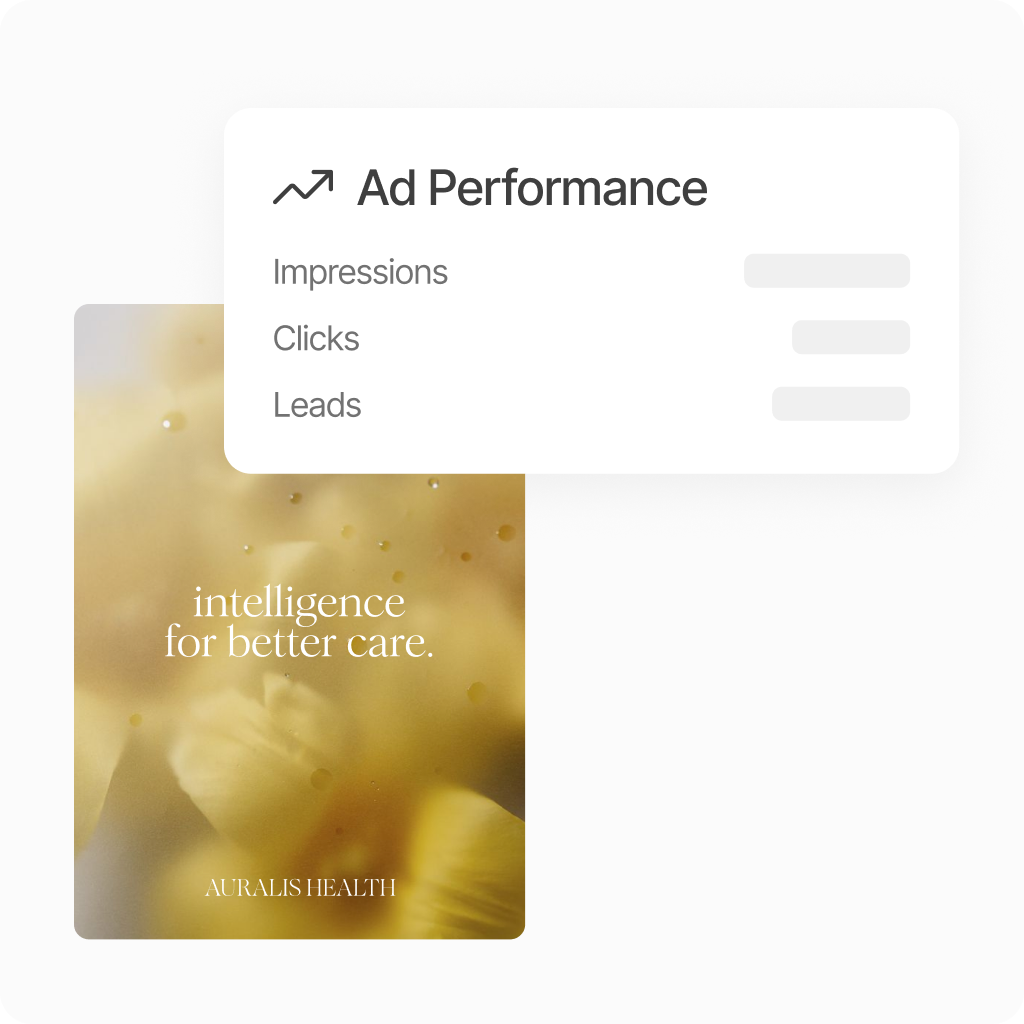
Glorify can’t tell you if your design will convert. Lapis forecasts impressions, clicks, and leads before launch. Track competitor ads and score them with AI to find winning creative angles.
Generate ad campaigns quickly from a text description
Create platform-optimized ads without manual resizing
Forecast ad performance before spending your budget
Track competitor ads and find winning creative angles
Choose Glorify
if you need to...
Design product images for your e-commerce listings
Create mockups and remove backgrounds from product photos
Build general marketing visuals with a drag-and-drop editor
Use an infinite canvas for multi-project design work
Frequently asked questions
Glorify is a graphic design tool for e-commerce product images: templates, mockups, and background removal. Lapis puts AI agents to work that automatically create, improve, and optimize your paid ads across a variety of platforms, learning from every result. Different tools for different jobs.
Yes, and they complement each other well. Use Glorify for product photography, mockups, and listing images. Use Lapis for paid advertising, where AI agents automatically generate, optimize, and improve your ad campaigns across a variety of platforms.
Glorify starts at $19/month (Basic) for a design editor. Lapis starts free with 5 credits, and Basic at $99/month includes AI agents that automatically improve your paid ads, competitor tracking, and performance forecasting. Glorify is priced as a design tool. Lapis is priced as a self-improving ads system.
No. Glorify has AI tools within a manual design workflow where you choose templates and arrange elements. Lapis's AI agents create complete, platform-ready ads from a text description and then learn from results to make each campaign perform better over time.
No. Background removal and 3D mockups are Glorify's strengths. Lapis focuses on paid ad optimization, where AI agents automatically create and improve your advertising across a variety of platforms. If you need product photography tools, Glorify is the better fit for that task.
Both, for different parts of the funnel. Glorify is better for product listings: clean images, A+ content, and mockups. Lapis is better for paid advertising: AI agents that automatically create, optimize, and improve ads that drive traffic to those listings.
Lapis has post-generation editing, but the core product is different. Lapis's AI agents handle the design work automatically, creating and improving ads based on performance data. If you want to design from scratch with a drag-and-drop editor, Glorify or Canva are better suited.
Glorify was acquired by Leadpages (part of the Redbrick portfolio) in July 2025. The design tools are being integrated into Leadpages' landing page platform. Glorify continues to operate at glorify.com, but the product direction is now tied to Leadpages' ecosystem.
Stop designing ads. Start generating them.
Create your first AI-generated ad campaign in minutes.